
Every extra step in the checkout process gives customers another reason to abandon their purchase. From creating accounts to navigating multiple pages, even small obstacles can lead to lost sales and lower conversion rates.
This is where WooCommerce one-page checkout can make a significant difference.
By combining product selection, cart review, billing information, shipping details, and payment options on a single page, you can create a faster and more convenient shopping experience for your customers.
Whether you sell physical products, digital downloads, subscriptions, or services, a streamlined checkout process can help reduce friction, improve user experience, and increase completed orders.
In this guide, you’ll learn:
Table of contents
- Key Takeaways
- What is WooCommerce One Page Checkout?
- How Does One-Page Checkout Work?
- Why Do Store Owners Use One-Page Checkout?
- One Page Checkout vs Multi-Step Checkout
- When Should You Use One-Page Checkout?
- How to Create a WooCommerce One-Page Checkout?
- Best WooCommerce One-Page Checkout Plugins Compared
- Best Practices to Optimize Your WooCommerce One-Page Checkout
- Common Mistakes to Avoid While Setting Up One-Page Checkout in WooCommerce
- Conclusion
- Frequently Asked Questions
What is WooCommerce One Page Checkout?
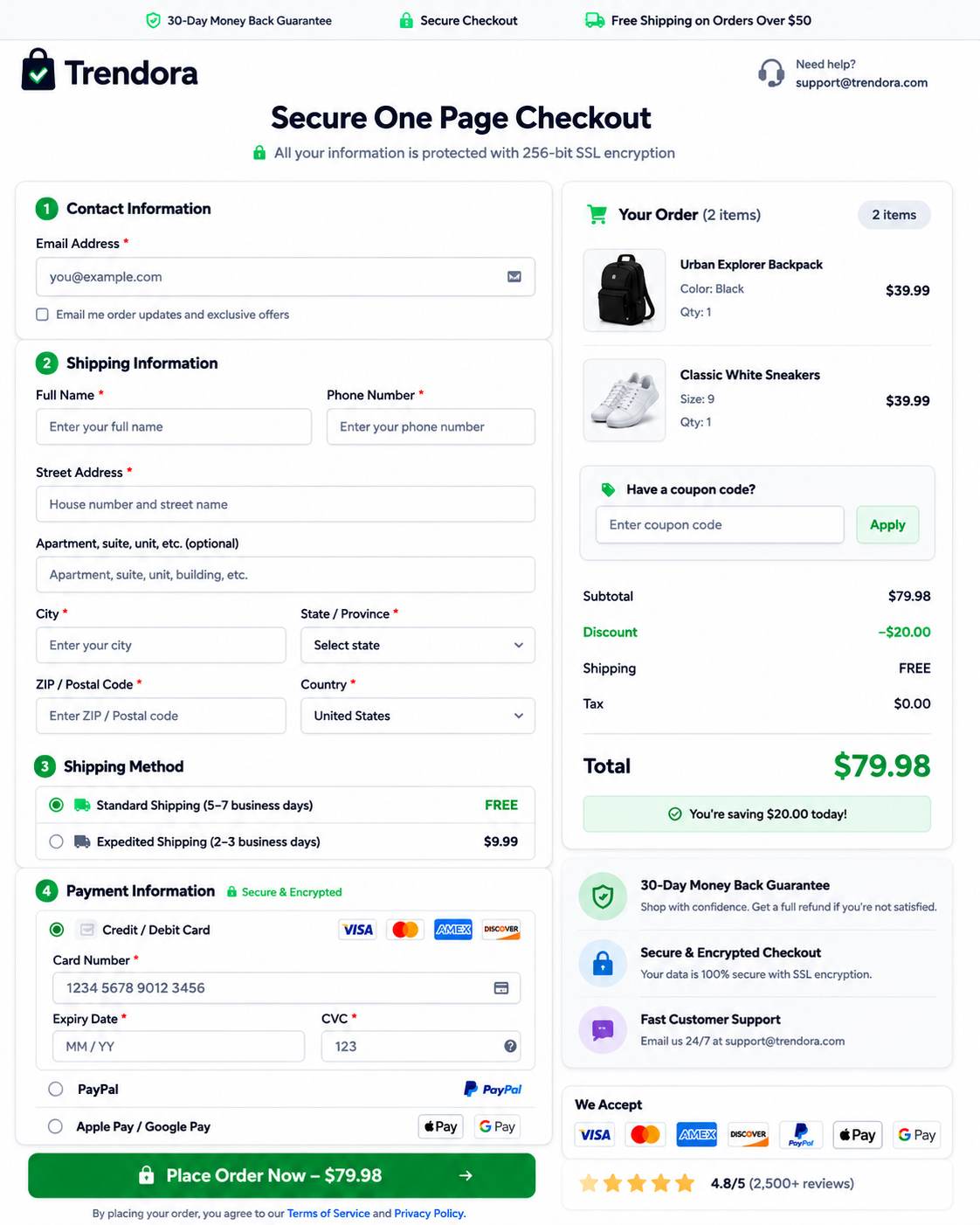
WooCommerce one-page checkout is a checkout experience that allows customers to browse products, review their cart, enter billing and shipping information, and complete payment from a single page.
Instead of moving through separate cart and checkout pages, shoppers can complete the entire purchase journey without additional navigation.
How Does One-Page Checkout Work?
In a traditional WooCommerce store, customers typically follow this path:
With a one-page checkout setup, the process becomes:
Everything happens on a single page, reducing the number of clicks required to complete a purchase.
A typical one-page checkout includes:
- Product selection or order summary
- Billing information
- Shipping details
- Payment methods
- Coupon code field
- Order review section
- Place order button
This simplified experience is particularly effective for stores focused on quick purchases and mobile shoppers.
Why Do Store Owners Use One-Page Checkout?
Modern online shoppers expect speed and convenience. If the checkout process feels lengthy or complicated, many users leave before completing their order.
A WooCommerce one-page checkout helps:
- Reduce checkout friction
- Minimize cart abandonment
- Improve mobile usability
- Speed up the purchasing process
- Increase conversion rates
For stores selling a limited number of products or running marketing campaigns that drive traffic to a specific offer, one-page checkout often delivers better results than a traditional multi-step checkout flow.
One Page Checkout vs Multi-Step Checkout
Before choosing a WooCommerce one-page checkout solution, it’s helpful to understand how it differs from the traditional checkout flow.
One Page Checkout
A one-page checkout combines product selection, customer information, and payment into a single page. Customers can complete their purchase without navigating through multiple screens, making the checkout process faster and more convenient.
Best for: Single-product stores, digital products, subscription businesses, and marketing campaigns.
Multi-Step Checkout
A multi-step checkout divides the purchase process into separate pages, such as cart, shipping, and payment. This approach is better suited for stores with complex products, multiple shipping options, or wholesale orders.
Best for: Large catalogs, configurable products, and B2B or wholesale stores.
Comparison of One-Page and Multi-Step Checkout
Feature | One Page Checkout | Multi-Step Checkout |
Number of Steps | Single Page | Multiple Pages |
Checkout Speed | Faster | Slower |
Mobile Experience | Excellent | Good |
Cart Abandonment Risk | Lower | Higher |
Complex Orders | Moderate | Excellent |
Impulse Purchases | Excellent | Moderate |
User Convenience | High | Medium |
Which Checkout Type is Better?
There is no one-size-fits-all answer.
- A WooCommerce one-page checkou t works best when your goal is to reduce friction and help customers complete purchases quickly.
- However, stores with complex product configurations, wholesale pricing structures, or advanced shipping requirements may benefit from a structured multi-step checkout process.
For most small to medium-sized WooCommerce stores, simplifying checkout into a single page often leads to a smoother customer experience and improved conversion performance.
When Should You Use One-Page Checkout?
A WooCommerce one-page checkout works best when your goal is to help customers complete their purchases quickly. Here are the scenarios where it delivers the greatest impact:
- Single-Product Stores
If your store sells one primary product, a one-page checkout removes unnecessary steps and helps customers purchase faster.
- Digital Products & Subscriptions
Products like eBooks, software, online courses, memberships, and SaaS subscriptions don’t require complex shipping, making them ideal for a streamlined checkout.
- Marketing & Landing Page Campaigns
For traffic from Google Ads, Facebook Ads, email campaigns, or influencer promotions, a one-page checkout keeps visitors focused on completing their purchase.
- Flash Sales & Limited-Time Offers
During sales events like Black Friday or product launches, a faster checkout reduces friction and helps shoppers complete purchases before they change their minds.
- Mobile-First Stores
If most of your customers shop on mobile devices, a one-page checkout minimizes taps, page loads, and form-filling, creating a smoother buying experience.
When is One-Page Checkout Not Ideal?
Although one-page checkout offers many advantages, there are situations where a multi-step checkout may work better.
Consider a traditional checkout process if your store handles:
- Large wholesale orders
- Complex shipping calculations
- Product customization workflows
- Multi-vendor marketplaces
- B2B purchasing processes
- Extensive checkout fields
In these cases, breaking checkout into multiple steps can make the experience easier to manage.
How to Create a WooCommerce One-Page Checkout?
There are several ways to create a WooCommerce one-page checkout, depending on your store’s requirements, budget, and level of customization needed.
Let’s explore the most common methods.
Method 1: Use the Official WooCommerce One Page Checkout Plugin
The official WooCommerce One Page Checkout extension allows you to display products and checkout fields on the same page.
With this approach, customers can:
- Select products
- Review their order
- Complete checkout
Without leaving the page.
This method is suitable for stores that want a native WooCommerce solution with minimal configuration.
Method 2: Use a Checkout Optimization Plugin
Many store owners prefer dedicated checkout plugins that offer additional features such as:
- Direct checkout
- Checkout field customization
- AJAX cart updates
- Mobile optimization
- Conversion-focused layouts
These plugins often provide more flexibility than the default WooCommerce checkout experience.
Method 3: Use a Sales Funnel Builder
Sales funnel plugins allow you to create dedicated checkout pages optimized for conversions.
Benefits include:
- Custom checkout layouts
- Order bumps
- Upsell funnels
- A/B testing
- Landing page integration
This approach is particularly useful for stores running paid advertising campaigns.
Method 4: Build a Custom One-Page Checkout
Developers can create a custom checkout experience using WooCommerce hooks, shortcodes, and custom templates.
A custom solution provides maximum flexibility but requires technical expertise and ongoing maintenance.
Best WooCommerce One-Page Checkout Plugins Compared
Plugin | Best For | One-Page Checkout | Checkout Customization | Upsells |
WooCommerce One Page Checkout | Native WooCommerce stores | Yes | Moderate | Limited |
FunnelKit | Conversion-focused stores | Yes | Advanced | Yes |
CartFlows | Sales funnels | Yes | Advanced | Yes |
WooCommerce Fast Cart | Quick checkout experiences | Yes | Moderate | Limited |
Choosing the right WooCommerce one-page checkout plugin depends on your business goals:
1. WooCommerce One Page Checkout
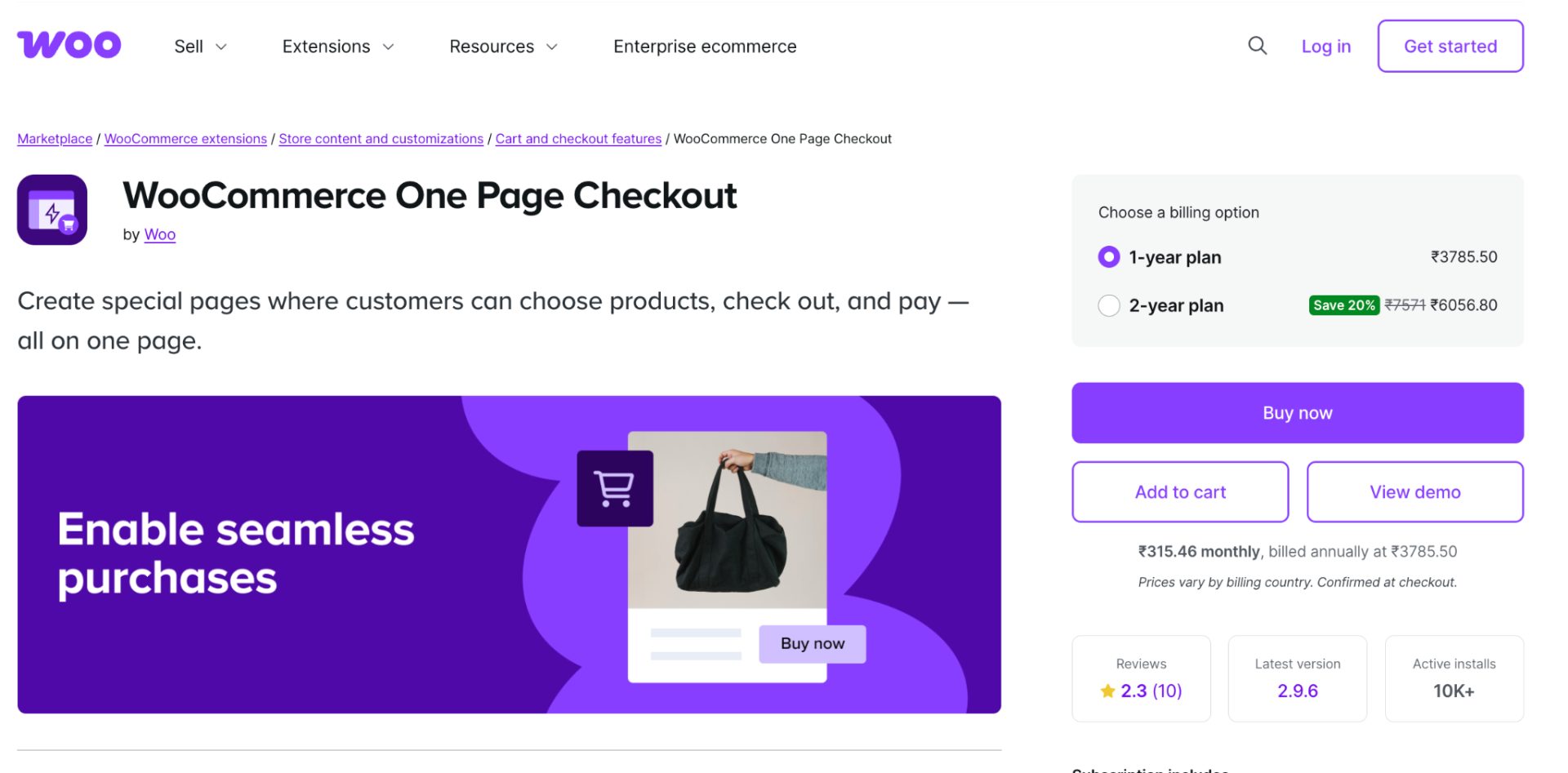
WooCommerce One Page Checkout is the official extension that lets customers select products and complete checkout on the same page. It’s a good option for store owners who want a native WooCommerce solution without relying on third-party funnel builders.
The plugin is easy to set up and works well for simple stores, though its customization options are more limited compared to advanced checkout optimization tools.
Advantage: Official WooCommerce extension that seamlessly combines product selection and checkout on a single page.
Disadvantage: Offers fewer customization and conversion optimization features than dedicated checkout plugins.
Best For: Store owners looking for a simple, native WooCommerce one-page checkout solution.
Pricing: Starts at approximately $39.50/year.
2. FunnelKit
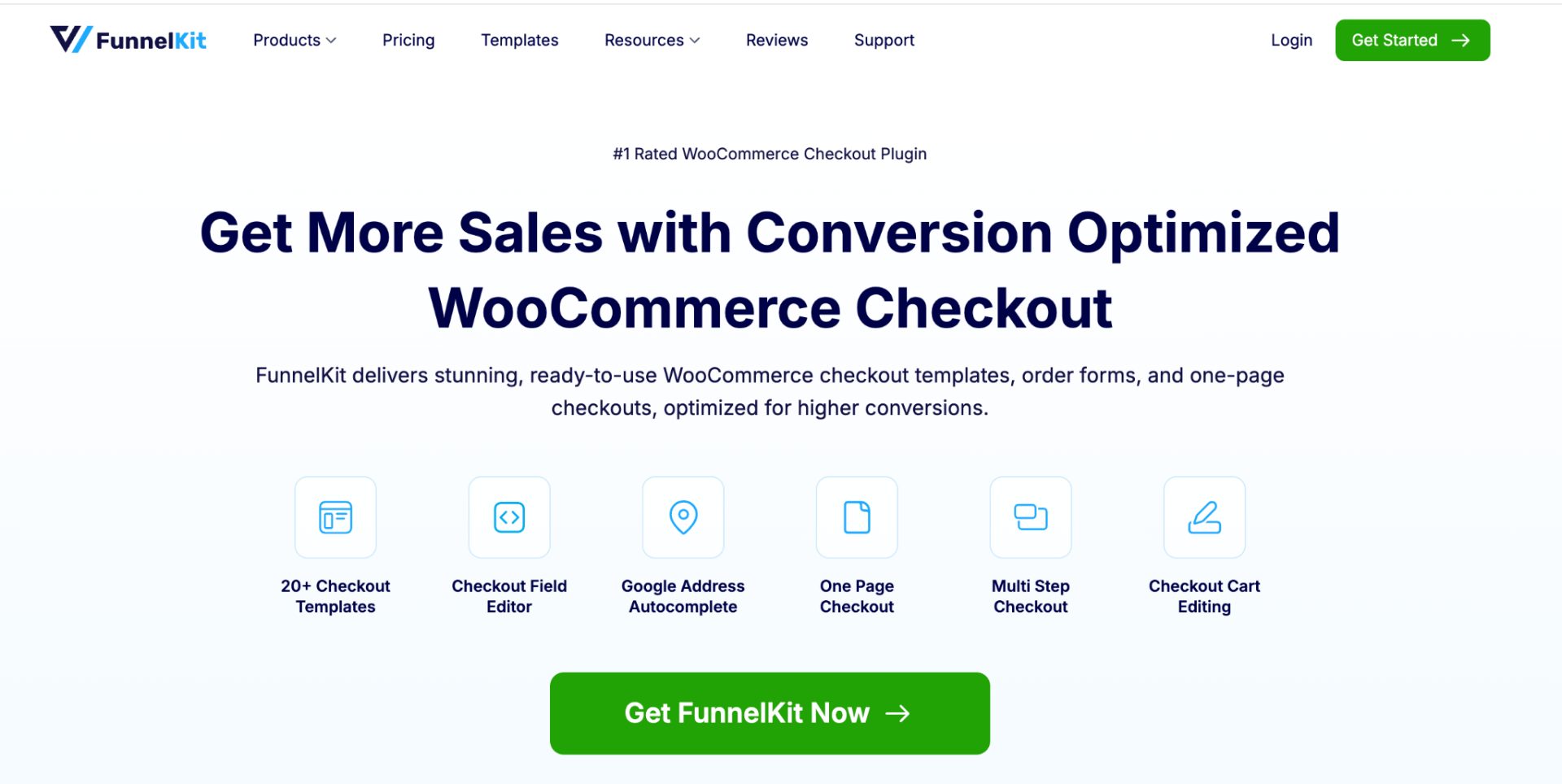
FunnelKit is a powerful sales funnel and checkout optimization plugin for WooCommerce. It allows you to create high-converting one-page checkout experiences with customizable layouts, order bumps, upsells, and A/B testing features.
It’s ideal for businesses looking to maximize conversions and average order value through a streamlined purchase journey.
Advantage: Provides advanced checkout optimization features, including order bumps, upsells, A/B testing, and custom checkout templates.
Disadvantage: May be more feature-rich (and expensive) than necessary for small stores.
Best For: Businesses focused on maximizing conversions and average order value.
Pricing: Starts at approximately $99.50/year.
3. CartFlows
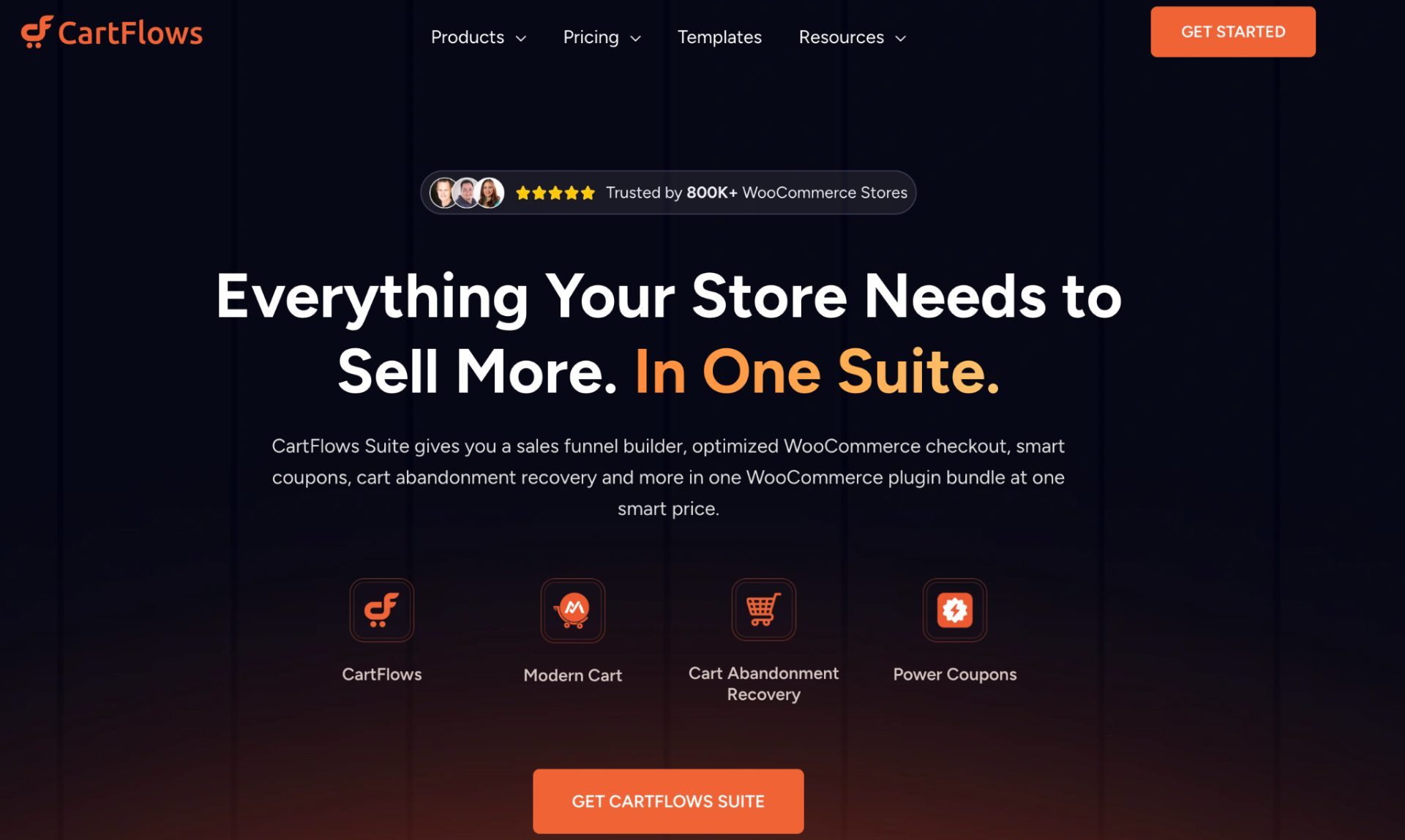
CartFlows helps WooCommerce store owners build conversion-focused sales funnels and custom checkout pages. It offers one-page checkout templates, order bumps, one-click upsells, and checkout field customization to reduce friction during the buying process.
The plugin is particularly useful for stores running marketing campaigns and dedicated landing pages.
Advantage: Makes it easy to build high-converting sales funnels and one-page checkout experiences without coding.
Disadvantage: Some advanced features are only available in premium plans.
Best For: Stores running marketing campaigns, product launches, and dedicated landing pages.
Pricing: Starts at approximately $199/year.
4. WooCommerce Fast Cart
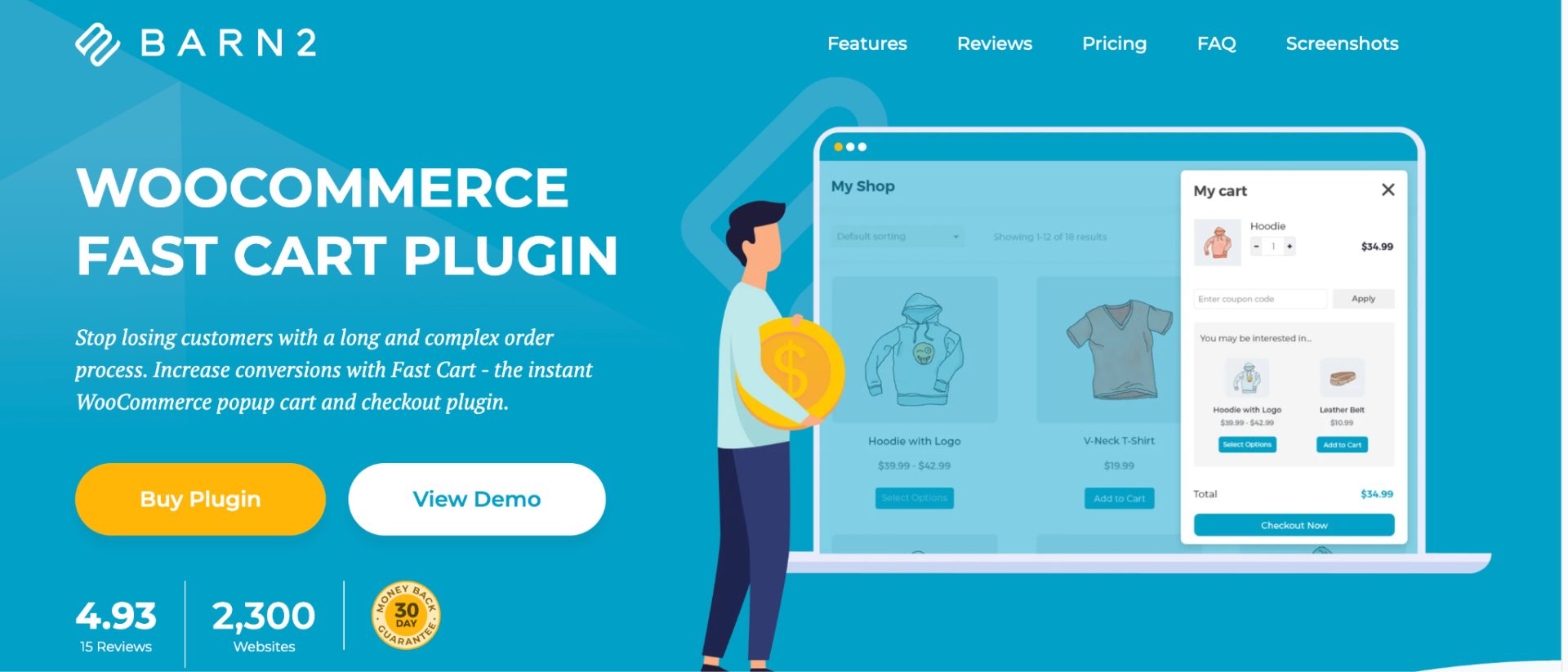
WooCommerce Fast Cart simplifies the checkout process by allowing customers to view their cart and complete purchases through a pop-up or quick checkout interface.
Instead of redirecting users through multiple pages, it keeps the buying experience fast and convenient. This makes it a great choice for stores looking to reduce checkout steps and improve user experience without creating complex sales funnels.
Advantage: Allows customers to view their cart and checkout quickly through a pop-up interface, reducing unnecessary page loads.
Disadvantage: Offers fewer funnel-building and upselling capabilities than FunnelKit or CartFlows.
Best For: Stores that want a faster checkout process without implementing a full sales funnel.
Pricing: Starts at approximately $79/year.
What Should You Look for in a WooCommerce One-Page Checkout Plugin?
Before choosing a WooCommerce one-page checkout plugin, evaluate:
- Mobile responsiveness
- Checkout speed
- Payment gateway compatibility
- Guest checkout support
- Field customization options
- Cart abandonment features
- Upsell and order bump functionality.
The ideal solution should simplify checkout without sacrificing flexibility.
Our Recommendation
- If you need a simple native solution, choose WooCommerce One Page Checkout.
- For advanced conversion optimization and upselling, FunnelKit or CartFlows are stronger options.
- If your goal is simply to speed up the checkout process, WooCommerce Fast Cart is an excellent choice.
Best Practices to Optimize Your WooCommerce One-Page Checkout
Setting up a WooCommerce one-page checkout is only the first step. To improve conversions and maximize revenue, optimize your checkout experience with these best practices.
- Remove Unnecessary Fields
Keep your checkout form as simple as possible. Remove non-essential fields, such as company name or secondary address fields, to reduce friction and speed up the purchase process.
- Enable Guest Checkout
Allow customers to complete their purchase without creating an account. Guest checkout helps reduce cart abandonment and makes buying faster, especially for first-time shoppers.
- Build Customer Trust
Display trust signals such as secure payment badges, SSL certificates, customer reviews, and accepted payment icons to reassure customers and increase purchase confidence.
- Optimize for Mobile
Ensure your checkout page loads quickly, uses mobile-friendly forms, and supports digital wallets like Apple Pay and Google Pay for a seamless mobile experience.
- Increase Average Order Value
Add order bumps during checkout to promote complementary products. To know more about Order Bumps, check this guide: How to Add a WooCommerce Order Bump to Increase AOV?
- Offer Multiple Payment Methods
Support popular payment options, including credit cards, PayPal, and Buy Now Pay Later services, so customers can pay using their preferred method.
- Use Post-Purchase Upsells
After a customer completes an order, you can present relevant offers on the thank-you page.
This strategy works well because the customer has already committed to purchasing.
Tools such as UpsellWP can help you create: One-click upsells , Thank-you page offers, Cross-sell campaigns , and smart product recommendations .
- Test and Improve
Regularly test your checkout page by experimenting with button text, form layouts, payment options, and trust badges. Even small improvements can help reduce cart abandonment and increase conversions.
Common Mistakes to Avoid While Setting Up One-Page Checkout in WooCommerce
Even the best one-page checkout can underperform if implemented incorrectly. Avoid these common mistakes:
- Overloading the Checkout Page: Too much information can overwhelm customers. Keep the design simple and focused on completing the purchase.
- Using Too Many Form Fields: Long forms increase friction and abandonment. Collect only the information you need.
- Ignoring Mobile Optimization: A checkout that works well on desktop may create issues on mobile devices. Always test on multiple screen sizes.
- Hiding Important Information: Customers should be able to clearly see:
- Product details
- Shipping costs
- Taxes
- Discounts
- Total order value.
Unexpected charges remain one of the biggest causes of cart abandonment.
- Forgetting to Test Checkout Performance: Regularly test:
- Payment gateways
- Checkout loading speed
- Coupon functionality
- Mobile responsiveness.
A small checkout issue can have a significant impact on revenue.
| Increase Revenue Beyond Checkout Getting customers to complete a purchase is only half the battle. With strategic order bumps and post-purchase offers, you can increase average order value without adding friction to the checkout process. Discover how UpsellWP helps you generate more revenue from every order. |
Conclusion
A WooCommerce one-page checkout helps eliminate unnecessary friction from the purchasing process, making it easier for customers to complete orders.
By combining product selection, checkout fields, and payment options on a single page, you can create a faster shopping experience that often leads to higher conversions and lower cart abandonment.
Whether you choose an official WooCommerce solution, a checkout optimization plugin, or a funnel builder, the key is to keep the checkout process simple, intuitive, and mobile-friendly.
Once your checkout flow is optimized, consider implementing advanced strategies such as order bumps, post-purchase upsells, and checkout testing to maximize both conversions and revenue.
The easier you make it for customers to buy, the more likely they are to complete their purchase.
Also Read
- 10 Best WooCommerce Currency Switcher & Converter Plugins – 2026 (Compared)
- 10 Best WooCommerce Pop-up Plugins to Increase Sales in 2026
- WooCommerce Discount Manager Plugin: 5 Best Options for 2026
Frequently Asked Questions
Yes. WooCommerce offers an official One Page Checkout extension, and several third-party plugins provide similar functionality.
For many stores, yes. One-page checkout reduces friction and helps customers complete purchases faster. However, complex stores may still benefit from multi-step checkout.
Yes. Developers can build custom checkout pages using WooCommerce hooks, templates, and shortcodes.
In many cases, yes. By reducing the number of steps required to complete a purchase, one-page checkout can lower abandonment rates and improve conversions.