10 Pop-up Plugins for WooCommerce: Quick Comparison Table
Plugin | Free Version | Starting Price | Pop-up Types | WooCommerce Targeting | Best For |
OptinMonster | No | $7/mon = $84/year | All pop-up types | Excellent | Lead Generation |
Pop-up Maker | Yes | $59.40 for the 1st year, then $99/year. | All pop-up types | Good | Flexibility |
FunnelKit Cart | Yes | $99.50/year | Cart and checkout offers | Excellent | Checkout Upsells |
YITH WooCommerce Pop-up | Yes | $59.99/year | Promotional pop-ups | Good | Beginners |
UpsellWP | Yes | $75/year | Add-to-cart, upsell & cross-sell product recommendations with discounts | Excellent | Revenue Growth |
Elementor (Pro) | Yes, but the pop-up feature is not free | $7/mon = $84/year | All pop-up types | Good | Elementor Users |
Icegram Engage | Yes | $129/year | Marketing pop-ups | Good | Email Capture |
Convert Pro | No | $89/year | All pop-up types | Moderate | Advanced Marketing |
Poptin | Yes | $240/year | Conversion-focused pop-ups | Good | Conversion Optimization |
OptiMonk – AI Popup | Yes | $19/month = $228/year | Exit-intent, cart abandonment, email capture, product recommendation, discount, gamified popups | Strong | AI-powered conversion optimization, cart recovery, personalized popups |
Pop-ups
Whether you’re collecting email IDs for a subscriber list, reducing cart abandonment, promoting limited-time offers, or recommending additional products, the right WooCommerce pop-up plugin can significantly increase conversions and revenue.
Today’s pop-up tools do much more than display promotional messages.
From advanced targeting and exit-intent campaigns to personalized product recommendations and add-to-cart upsells, pop-up plugins have become an essential part of a successful WooCommerce marketing strategy.
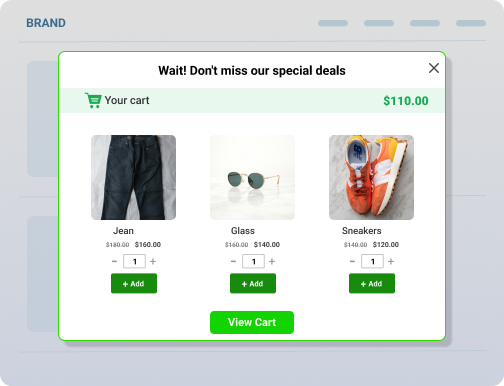
For example, instead of showing every visitor the same generic offer, you can display a product recommendation pop-up when someone adds an item to their cart, trigger an exit-intent discount before they leave, or suggest complementary products during checkout.
While some plugins focus on lead generation, others specialize in sales-focused experiences such as upsells, cross-sells, and product recommendations. Choosing the right solution depends on your goals, store size, and customer journey.
In this guide, we’ll compare the 10 best WooCommerce pop-up plugins in 2026, including their features, pricing, pros, cons, and ideal use cases.
Table of Contents
- 10 Pop-up Plugins for WooCommerce: Quick Comparison Table
- Pop-ups
- Why Use a WooCommerce Pop-up Plugin?
- How Did We Evaluate These Pop-Up Plugins?
- The 10 Best WooCommerce Pop-up Plugins in 2026
- Best WooCommerce Popup Plugins by Category
- Combining UpsellWP with Smart Discount Strategies
- Conclusion
- Frequently Asked Questions
Why Use a WooCommerce Pop-up Plugin?
Pop-ups have evolved far beyond simple email subscription forms.
Modern WooCommerce pop-up plugins help store owners engage shoppers at key moments throughout the buying journey, making them valuable tools for increasing conversions, average order value, and customer engagement.
Here are some of the biggest benefits of showing a pop-up in your WooCommerce store:
- Grow Your Email List: Email marketing remains one of the highest-converting marketing channels for ecommerce businesses. Pop-up forms can encourage visitors to subscribe in exchange for discounts, free shipping, exclusive offers, or early access to sales.
- Recover Abandoning Visitors: Many shoppers leave a store without making a purchase. Exit-intent pop-ups can display targeted offers, discount codes, or reminders before visitors leave your website.
- Increase Average Order Value: WooCommerce add-to-cart pop-up plugins can recommend complementary products immediately after a shopper adds an item to their cart. This creates opportunities for upsells and cross-sells without interrupting the buying experience.
- Promote Special Offers: pop-ups help highlight flash sales, seasonal promotions, coupon codes, and limited-time discounts that customers might otherwise miss.
- Improve Product Discovery: WooCommerce product pop-up plugins can showcase related products, best sellers, recently viewed products, and personalized recommendations.
- Reduce Cart Abandonment: Strategically timed pop-ups can address purchase objections and encourage customers to complete checkout.
How Did We Evaluate These Pop-Up Plugins?
To help you find the best WooCommerce pop-up plugin for your store, we evaluated each solution based on the factors that matter most for ecommerce businesses.
Rather than focusing solely on features, we considered usability, WooCommerce compatibility, conversion-focused functionality, and overall value.
Here’s what we looked at:
- Ease of setup and configuration
- WooCommerce integration
- Add-to-cart pop-up capabilities
- Product recommendation features
- Targeting and personalization options
- Mobile responsiveness
- pop-up design flexibility
- Analytics and reporting
- Pricing and value for money
- Customer support and documentation
Using these criteria, we’ve compiled a list of the best WooCommerce pop-up plugins available in 2026.
The 10 Best WooCommerce Pop-up Plugins in 2026
Let’s take a closer look at the top pop-up plugins available for WooCommerce stores.
1. OptinMonster
OptinMonster is one of the most popular conversion optimization platforms available for WordPress and WooCommerce. It offers powerful targeting options that allow store owners to display highly personalized pop-ups based on visitor behavior.
From email capture campaigns and exit-intent pop-ups to cart abandonment recovery and promotional banners, OptinMonster provides a comprehensive toolkit for lead generation and conversion optimization.
Its advanced segmentation features make it especially attractive for growing ecommerce businesses.
Key Features
- Exit-intent technology
- Behavior-based targeting
- Cart abandonment campaigns
- Email subscription forms
- Countdown timer pop-ups
- Page-level targeting
- A/B testing
- Analytics dashboard.
Pros
- Excellent targeting capabilities
- Easy drag-and-drop builder
- Advanced conversion tools
- Extensive integrations.
Cons
- No free plan
- Pricing may be expensive for smaller stores.
Pricing
Premium subscription plans start from $7 per month, which is billed $84 annually.
Best For – Stores focused on lead generation, email list growth, and conversion optimization.
Editorial Note:
OptinMonster offers a free WordPress plugin, but it requires a paid SaaS account to create and run campaigns:
– WordPress plugin (free)
- Just installs the OptinMonster script
- No popups without an account.
– SaaS platform (paid)
- Where all pop-up campaigns are created
- AI features, targeting, analytics, A/B testing, etc.
2. Pop-up Maker
Pop-up Maker is one of the most widely used pop-up plugins in the WordPress ecosystem. Its flexibility allows WooCommerce merchants to create virtually any type of pop-up, including product promotions, discount offers, lead generation forms, and announcement banners.
The plugin integrates with many third-party tools and offers extensive customization options, making it a favorite among users who want complete control over pop-up behavior.
Key Features
- Unlimited pop-up creation
- WooCommerce integration
- Multiple trigger options
- Exit-intent functionality
- Advanced targeting rules
- Cookie-based controls
- pop-up scheduling.
Pros
- Flexible customization
- Generous free version
- Large user community
- Supports many pop-up use cases.
Cons
- Advanced features require extensions
- Setup can feel overwhelming initially.
Pricing
- Free version available.
- Premium extensions are sold separately, and the price starts from $59.40 for the first year and then $99 per year.
Best For – Store owners who need maximum flexibility and customization.
3. FunnelKit Cart
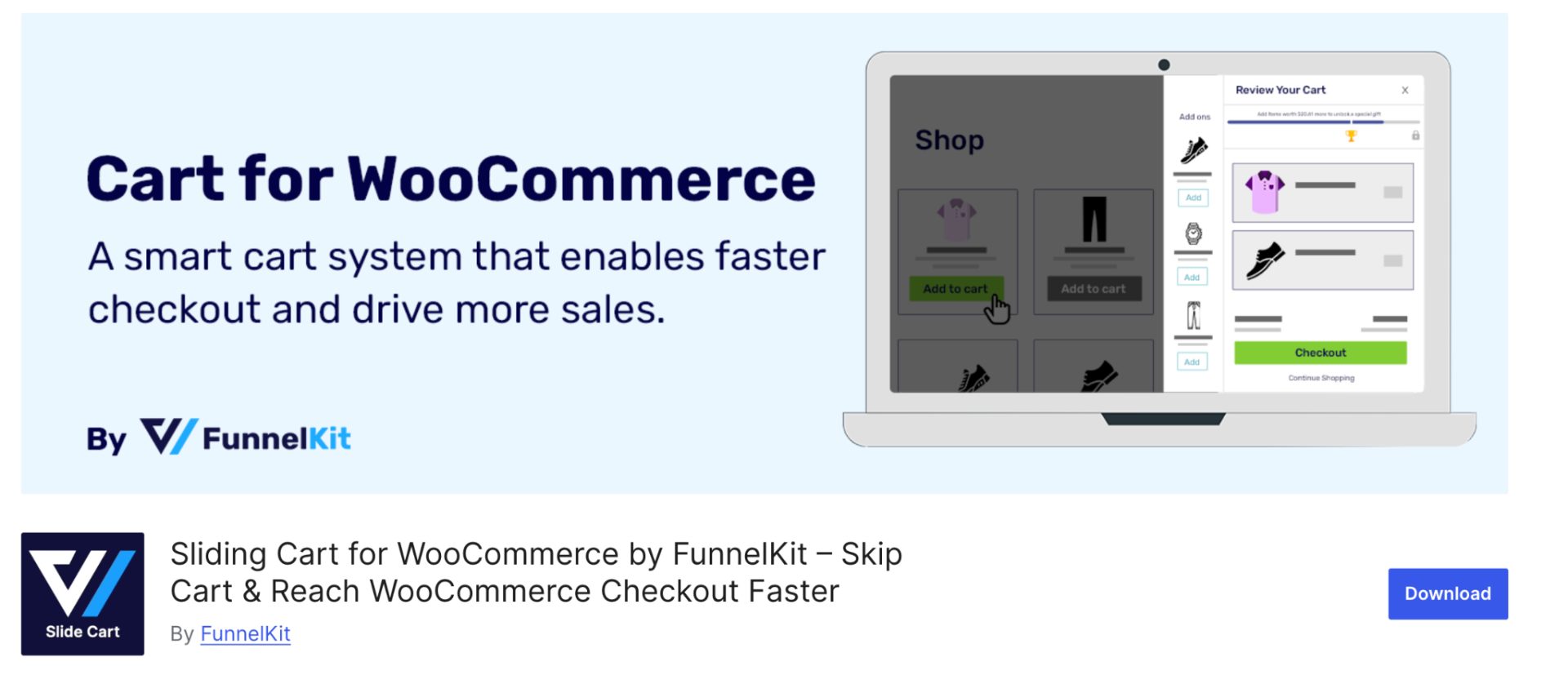
FunnelKit Cart focuses on optimizing the cart and checkout experience through targeted offers and conversion-focused pop-ups. The plugin helps merchants increase order value by presenting relevant upsells and cross-sells during the purchase process.
Its WooCommerce-first approach makes it particularly effective for stores seeking checkout optimization rather than traditional lead-generation pop-ups.
Key Features
- Slide cart functionality
- Cart upsell offers
- Checkout recommendations
- One-click order bumps
- Product recommendations
- Mobile optimization
- Funnel tracking.
Pros
- Strong WooCommerce integration
- Checkout-focused optimization
- Revenue-oriented features
- Easy setup.
Cons
- More specialized than general pop-up builders
- Premium features required for advanced functionality.
Pricing
- Free version available.
- Premium plans start from $99.50 per year.
Best For – Stores focused on increasing checkout conversions and average order value.
4. YITH WooCommerce Pop-up
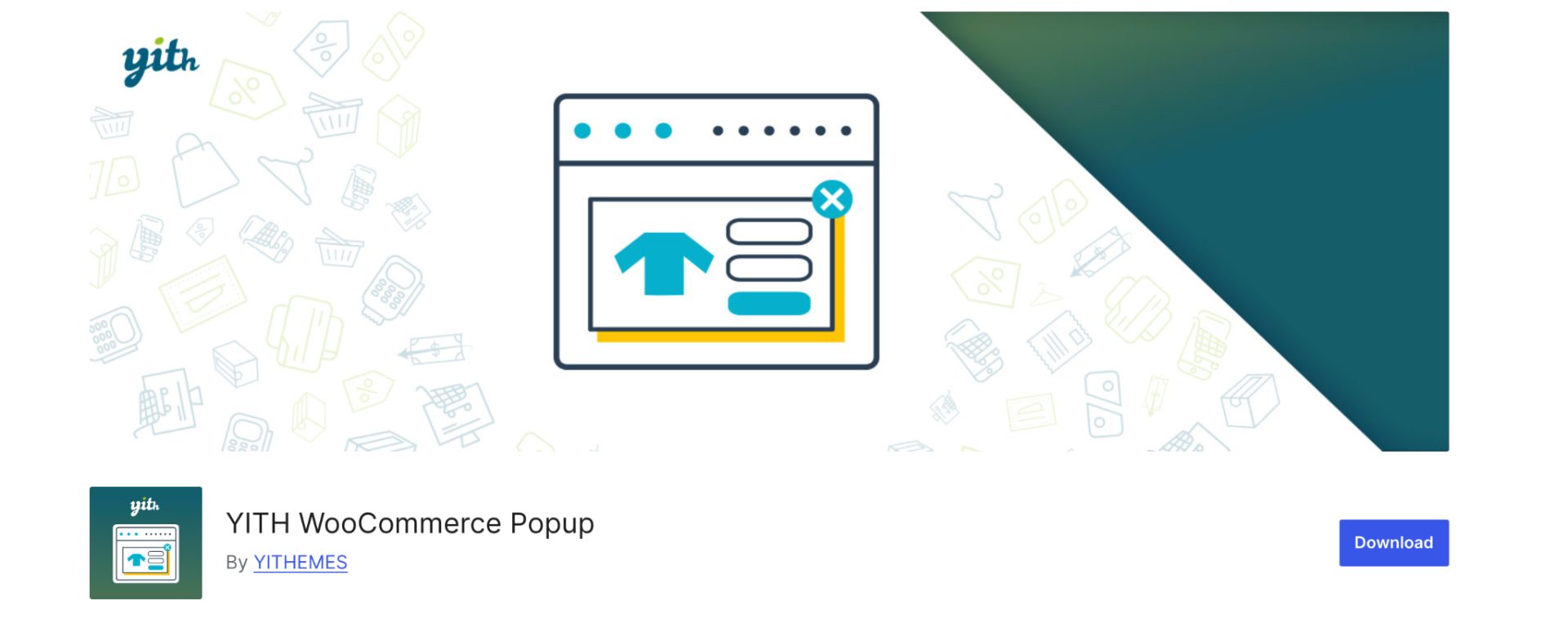
YITH WooCommerce pop-up is designed specifically for WooCommerce store owners who want an easy way to create promotional pop-ups and email capture campaigns.
The plugin allows store owners to display targeted messages based on products, categories, user behavior, and cart conditions. Its simplicity makes it attractive for businesses that want results without spending hours configuring campaigns.
Key Features
- Email subscription pop-ups
- WooCommerce targeting
- Coupon code promotions
- Product-based triggers
- Exit-intent support
- Display scheduling.
Pros
- WooCommerce-specific features
- Easy to use
- Good targeting options
- Beginner-friendly.
Cons
- Design customization is limited compared to dedicated pop-up builders
- Advanced marketing features require premium plans.
Pricing
- Free version available.
- Premium version costs $59.99 per year.
Best For – Small and medium-sized WooCommerce stores.
5. UpsellWP
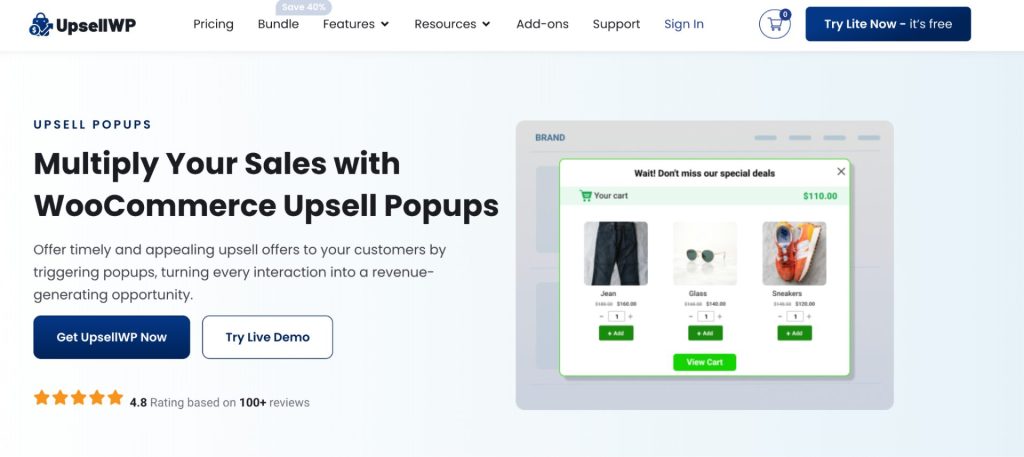
UpsellWP is a WooCommerce-focused upselling and cross-selling plugin that helps store owners increase average order value through targeted product recommendations.
Unlike traditional pop-up builders that primarily focus on email collection, UpsellWP is designed to generate more revenue by showing relevant offers at strategic points in the customer journey.
The plugin supports add-to-cart pop-ups, cart upsells, checkout recommendations, and post-purchase offers, making it a versatile solution for stores looking to maximize every order.
If your primary goal is increasing sales rather than simply collecting leads, UpsellWP is one of the strongest WooCommerce pop-up plugins to consider.
Key Features
- WooCommerce add-to-cart pop-up offers
- Product recommendations
- Cross-sell and upsell campaigns
- Cart page upsells
- Checkout offers
- Post-purchase recommendations
- Rule-based offer targeting
- Analytics and performance tracking.
Pros
- Built specifically for WooCommerce
- Revenue-focused rather than lead-focused
- Multiple upsell placements
- Beginner-friendly setup
- Supports personalized product recommendations.
Cons
- Not intended as a general-purpose pop-up builder
- Some advanced features require premium plans.
Pricing
- Free version available.
- Premium plans start from $75 per year for a single site with additional targeting and offer features.
Best For – WooCommerce stores focused on increasing average order value and revenue through upselling and cross-selling.
6. Elementor – Built-In Pop-up Builder
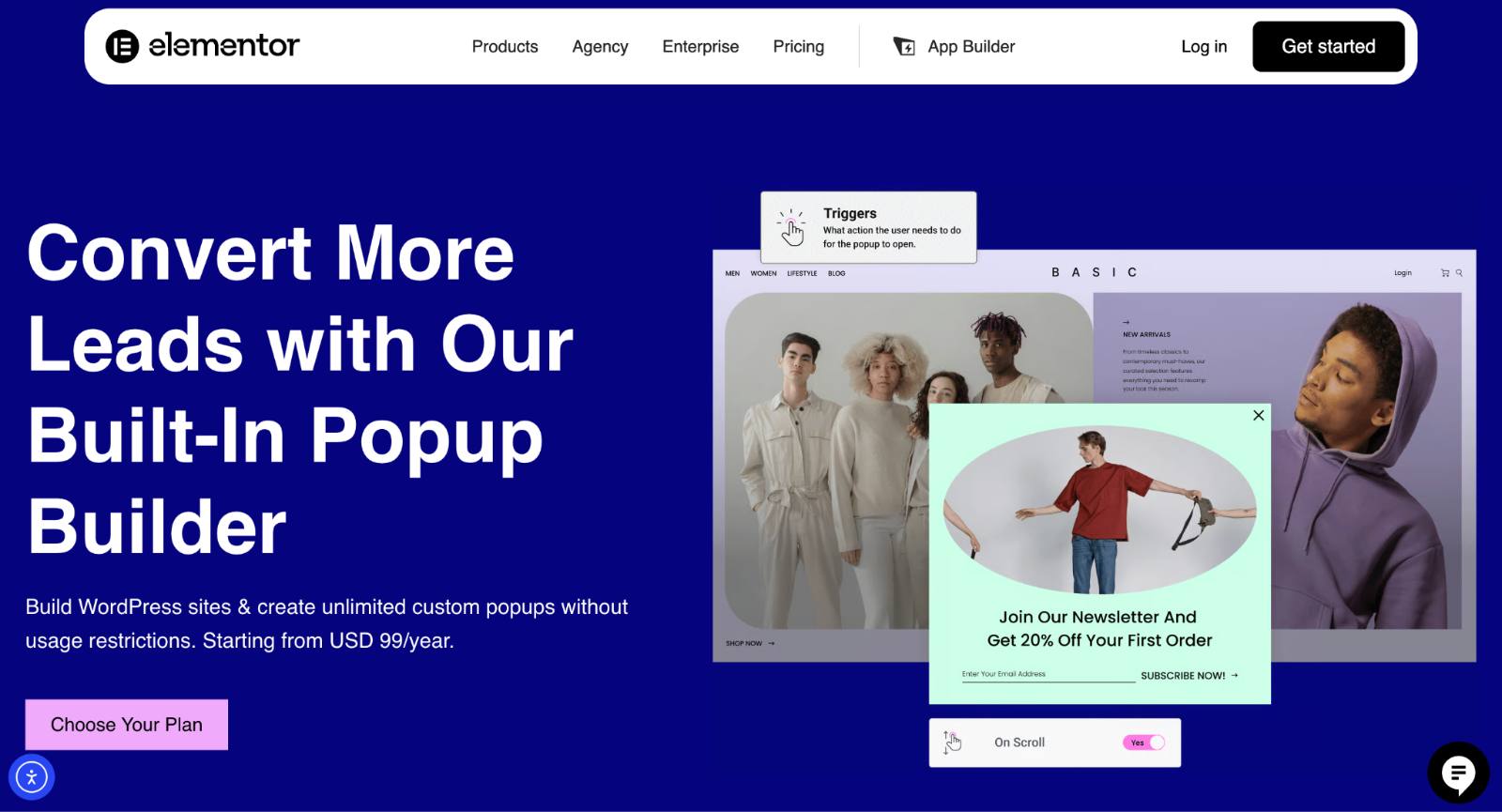
For stores already built with Elementor, Elementor Pro includes a powerful pop-up builder that eliminates the need for an additional pop-up plugin.
Using the same visual editor as Elementor pages, merchants can create highly customized pop-ups for promotions, email collection, product announcements, and special offers.
Key Features
- Visual drag-and-drop editor
- Advanced design controls
- WooCommerce compatibility
- Exit-intent triggers
- Scroll-based triggers
- Mobile-specific pop-ups
- Custom display conditions.
Pros
- Seamless Elementor integration
- Extensive design flexibility
- No separate pop-up plugin needed
- Easy visual editing.
Cons
- Requires Elementor Pro
- Best suited for Elementor-based websites.
Pricing
Included with Elementor Pro. The Elementor Pro plan has different pricing tiers starting from $5 per month, but the plan that includes the pop-up builder costs $7 per month, which is $84 per year.
Best For – WooCommerce stores built using Elementor.
7. Icegram Engage
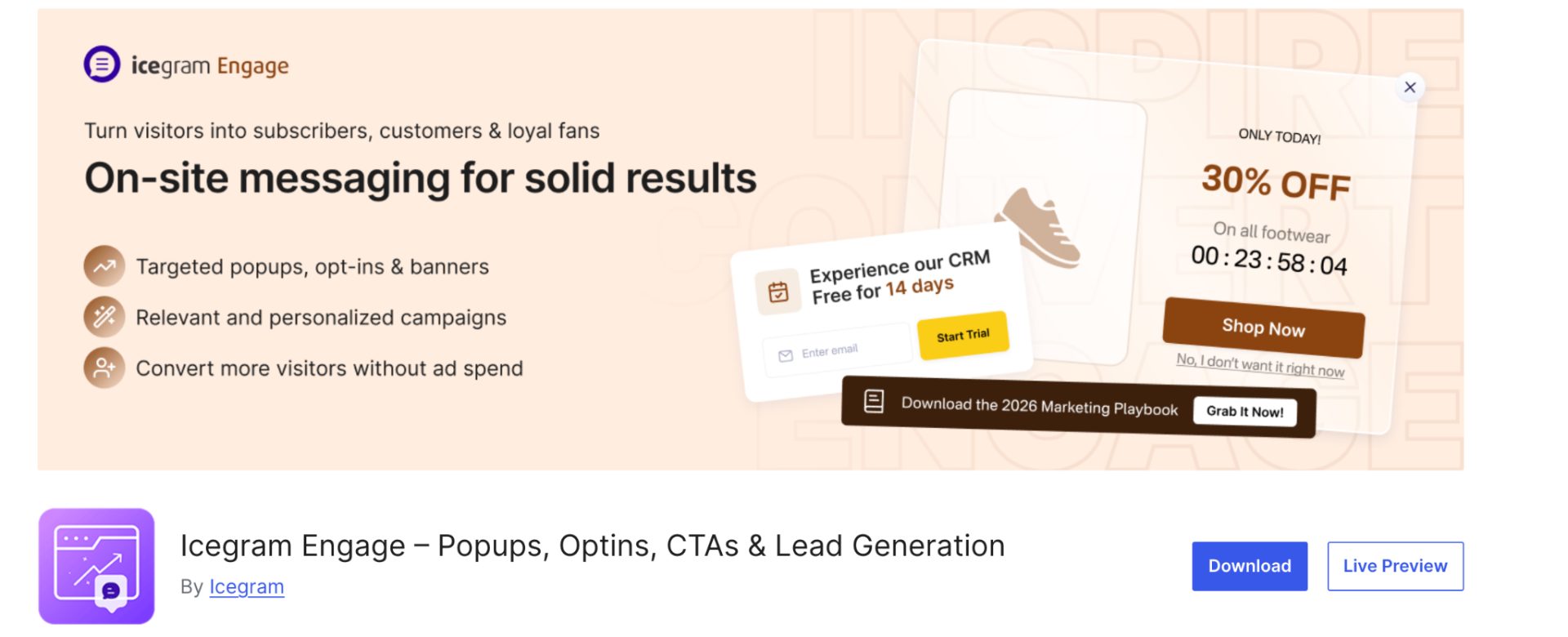
Icegram Engage is a marketing-focused pop-up plugin that helps store owners capture leads, promote offers, and engage visitors through pop-ups, banners, and notification messages.
The plugin offers a solid free version and supports many common ecommerce use cases, making it attractive for budget-conscious store owners.
Key Features
- pop-ups and slide-ins
- Email capture forms
- Targeted campaigns
- CTA banners
- Analytics
- WooCommerce compatibility.
Pros
- Strong free plan
- Easy setup
- Multiple campaign types
- Good for email list growth.
Cons
- Design options are more limited than those of some competitors
- Advanced targeting requires premium plans.
Pricing
- Free version available.
- Premium plans cost $129 per year.
Best For – Businesses focused on growing subscribers and promoting offers.
8. Convert Pro
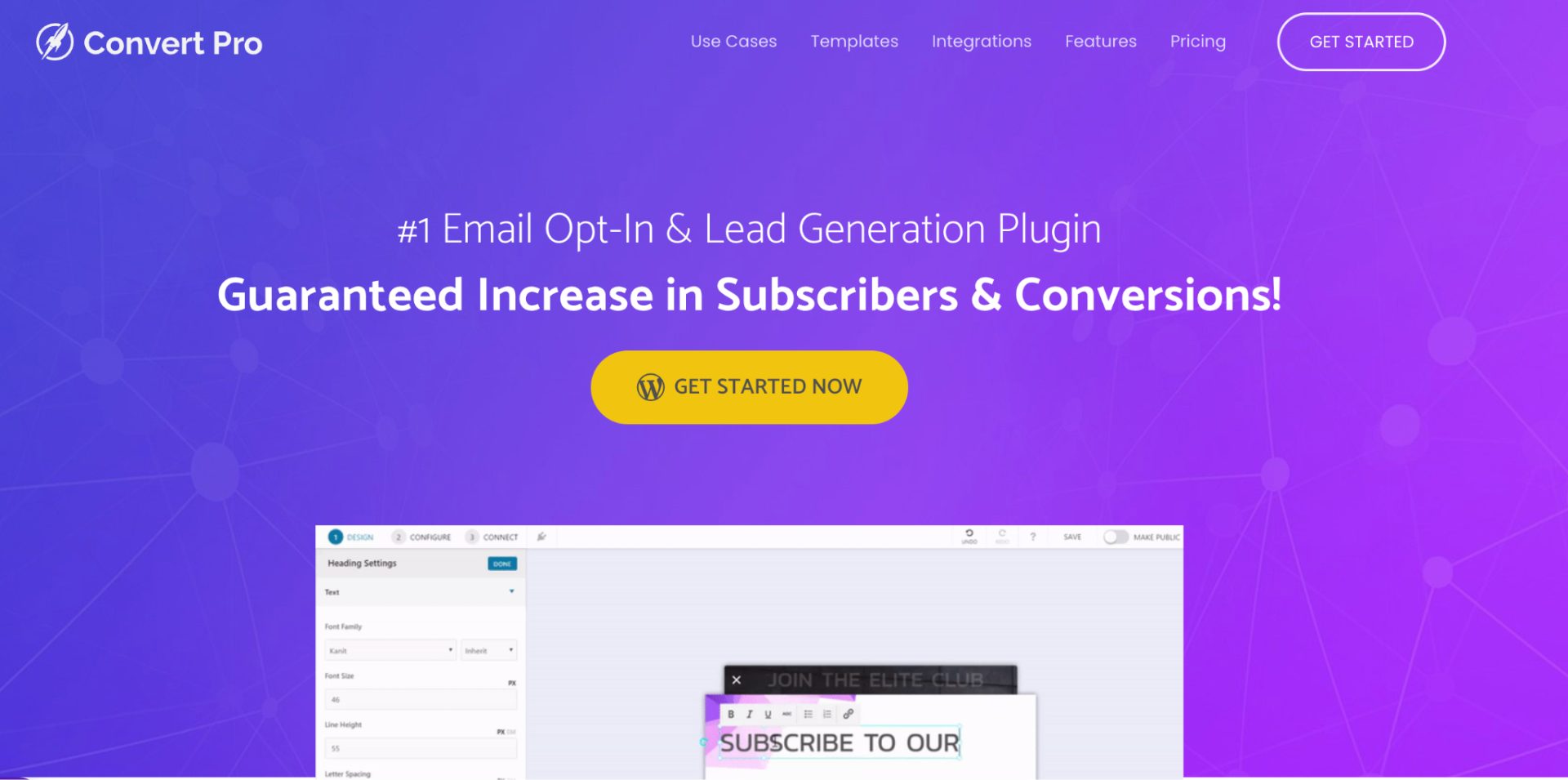
Convert Pro is a conversion-focused pop-up plugin known for its advanced targeting, lead generation features, and high-performance architecture.
It includes professionally designed templates and extensive behavioral targeting options that help businesses create highly personalized pop-up campaigns.
Key Features
- Drag-and-drop builder
- Exit-intent technology
- A/B testing
- Scroll triggers
- Lead capture forms
- Advanced targeting
- Analytics integration.
Pros
- Conversion-focused features
- Fast performance
- Strong template library
- Advanced personalization.
Cons
- No free version
- Primarily focused on lead generation.
Pricing
No free version. This premium plugin costs $89 per year.
Best For – Marketing-focused ecommerce stores.
9. Poptin – Exit & Email Popups
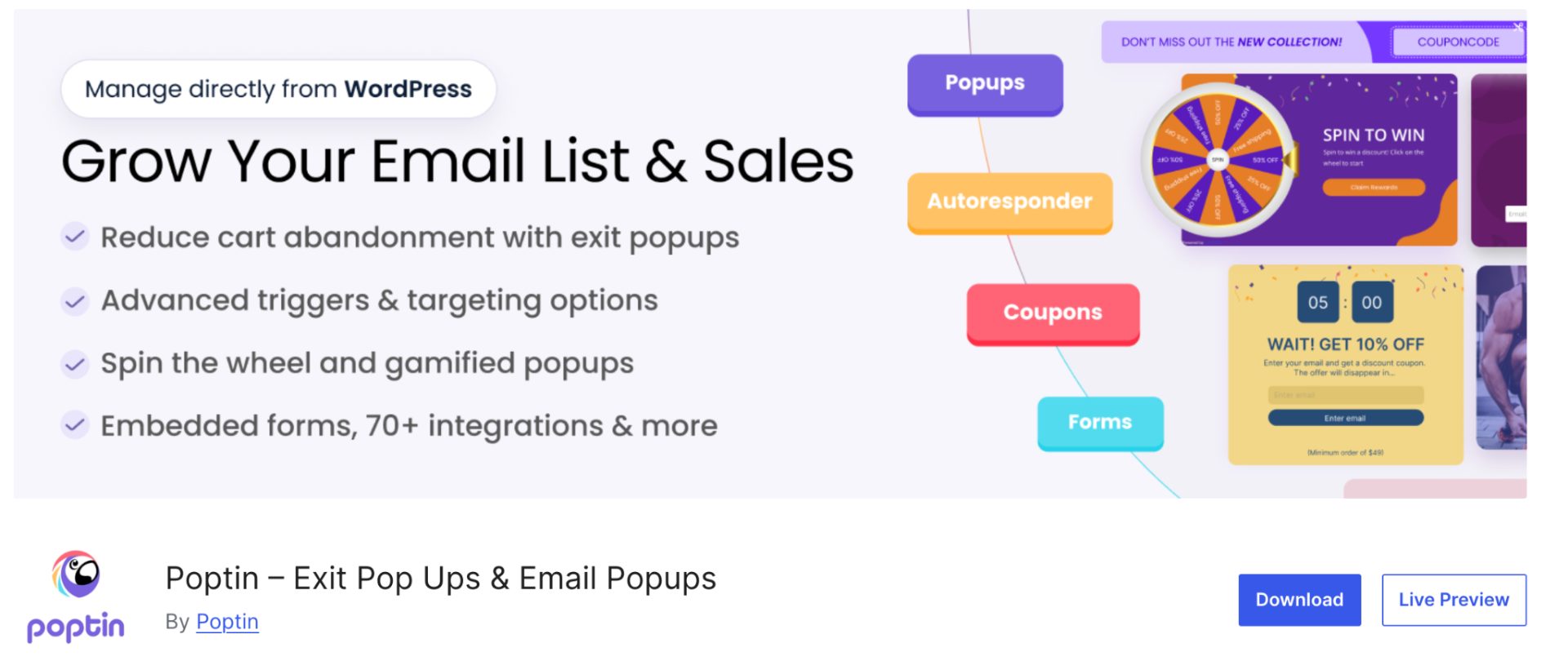
Poptin is a conversion optimization platform that helps ecommerce stores create targeted pop-ups for lead generation, promotions, and cart abandonment recovery.
Its visual builder and advanced targeting options make it suitable for businesses that want to improve conversions without extensive development work.
Key Features
- Exit-intent pop-ups
- Email capture forms
- Cart abandonment pop-ups
- Countdown timers
- Advanced targeting
- Analytics and reporting
- A/B testing.
Pros
- User-friendly interface
- Strong targeting options
- Good ecommerce integrations
- Flexible campaign creation.
Cons
- Advanced features require premium plans
- Limited free plan.
Pricing
- Free plan available.
- Premium plans cost $240 per year, billed at $20 per month. You can also choose only monthly plans, which start at $25 per month.
Best For – WooCommerce stores focused on conversion optimization and lead generation.
10. OptiMonk – AI Popup Builder & Popup Maker
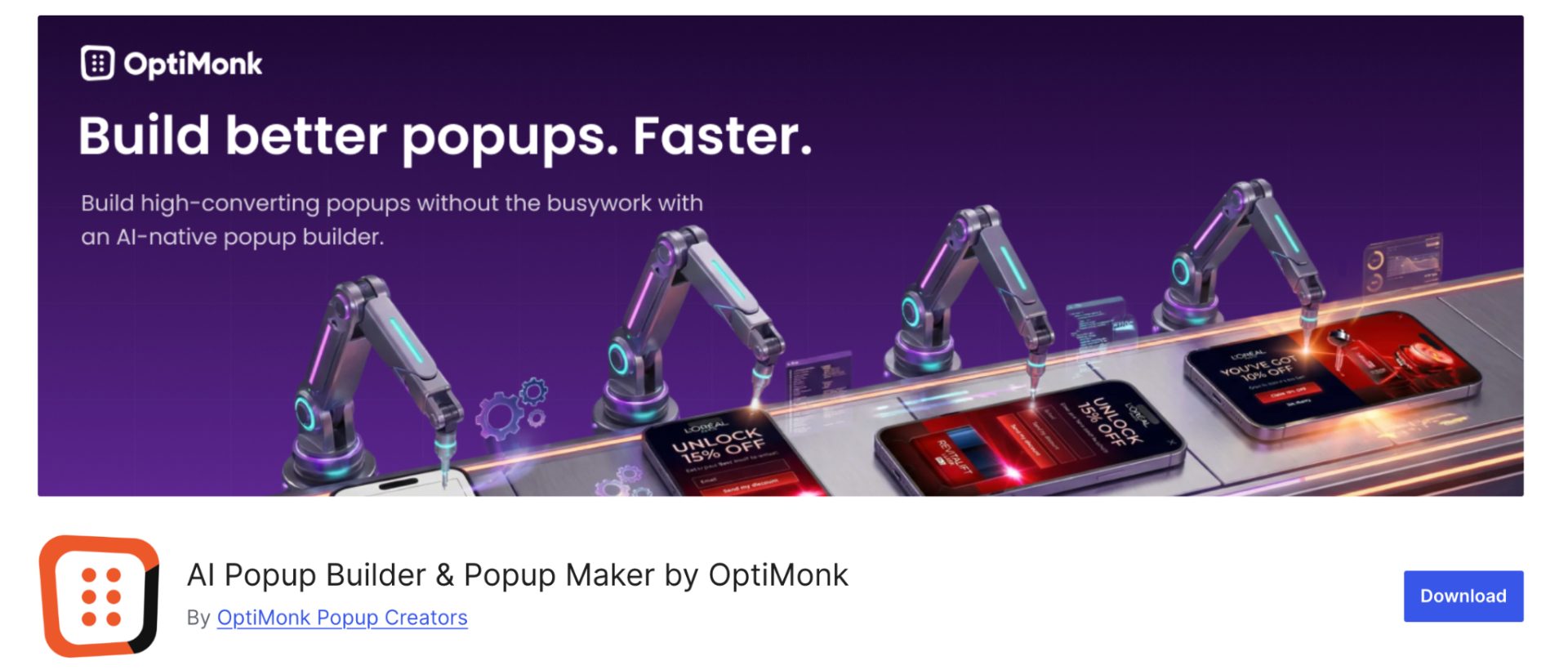
OptiMonk is an AI-powered pop-up builder designed for eCommerce businesses looking to increase conversions, recover abandoned visitors, and grow revenue.
Beyond traditional popups, it offers WooCommerce-specific campaigns such as cart abandonment popups, product recommendation popups, discount reminders, free shipping bars, and personalized offers.
One of its standout features is the AI Popup Wizard, which can generate branded pop-up campaigns and optimize messaging using AI-powered copy suggestions. This makes OptiMonk a compelling choice for store owners who want advanced targeting and conversion optimization without spending hours building campaigns from scratch.
Key Features
- AI Popup Wizard
- AI-generated pop-up copy
- Exit-intent popups
- Cart abandonment campaigns
- WooCommerce product recommendation popups
- Discount reminder popups
- A/B testing
- Advanced audience targeting
- Revenue and conversion tracking
- 300+ popup templates
- Mobile-optimized campaigns.
Pros
- Strong WooCommerce integration
- AI-powered popup creation
- Extensive targeting options
- Built-in A/B testing
- Large template library
- Product recommendation support.
Cons
- Advanced features require paid plans
- Can be more complex than beginner-focused pop-up plugins.
Pricing
- Free plan available.
- Premium plans start at $19 per month or $228 per year.
Best For – WooCommerce stores that want advanced personalization, AI-powered pop-up creation, cart abandonment recovery, and conversion optimization.
Best WooCommerce Popup Plugins by Category
Category | Best Plugin |
Best WooCommerce Popup Plugin – Overall | OptinMonster |
Best WooCommerce Add-to-Cart Popup Plugin | UpsellWP |
Best WooCommerce Product Popup Plugin | Popup Maker |
Best for Lead Generation | OptinMonster |
Best for Elementor Users | Elementor Pro |
Best for Checkout Upsells | FunnelKit Cart |
Best AI Popup Builder | OptiMonk |
Combining UpsellWP with Smart Discount Strategies
Pop-ups can help shoppers discover additional products, but pairing recommendations with targeted promotions can create an even more effective shopping experience.
For example:
- Show complementary products through UpsellWP after an add-to-cart action.
- Offer quantity discounts on recommended items.
- Create cart-based incentives once customers reach a spending threshold.
- Run Buy One Get One promotions on frequently purchased product combinations.
Many WooCommerce stores combine product recommendations with dynamic pricing and promotional campaigns to increase both conversion rates and average order value without relying solely on blanket discounts.
The goal isn’t necessarily to offer bigger discounts; it’s to present more relevant offers at the right moment in the buying journey.
Many of these targeted promotional strategies can be easily implemented using freemium plugins like Flycart’s Discount Rules for WooCommerce, which help store owners create flexible, behavior-based discount campaigns alongside upsell and pop-up strategies.
Conclusion
The best WooCommerce pop-up plugin depends on what you’re trying to achieve.
- If your primary goal is to get an all-in-one popup plugin that also supports upsells, cross-sells, and product recommendations, UpsellWP is the best option.
- If you want to grow an email list, tools like OptinMonster and Icegram Engage are excellent options.
- If you’re looking for maximum design flexibility, Pop-up Maker and Elementor Pro provide extensive customization capabilities.
However, if your focus is on increasing revenue and average order value, solutions that offer product recommendations, upsells, and cross-sells may deliver greater long-term value than traditional promotional pop-ups alone.
Before choosing a plugin, consider:
- Your primary conversion goals
- Budget
- Existing WooCommerce setup
- Required targeting capabilities
- Desired customer experience
Ultimately, the most effective pop-up isn’t the one with the most features; it’s the one that delivers the right message to the right customer at the right time.
Frequently Asked Questions
The best WooCommerce pop-up plugin depends on your goals.
For revenue growth and product recommendations, UpsellWP is a strong choice. For lead generation and email capture, OptinMonster remains one of the most popular options.
Yes.
When used strategically, pop-ups continue to help businesses generate leads, recover abandoned visitors, promote offers, and increase sales.
The key is relevance and timing.
Most pop-up plugins allow you to create campaigns using a visual builder.
Typically, you’ll:
1. Install a pop-up plugin.
2. Design the pop-up.
3. Select display triggers.
4. Configure targeting rules.
5. Publish the campaign.
A WooCommerce add-to-cart pop-up plugin displays offers and recommendations after a customer adds a product to their cart.
These pop-ups are used for upselling and cross-selling.
A WooCommerce product pop-up plugin displays product-related information, recommendations, promotions, or quick-view content within a pop-up window.
They can.
Well-timed pop-ups can:
– Capture leads
– Recover visitors
– Promote relevant products
– Increase average order value
However, excessive or poorly targeted pop-ups can have the opposite effect.
Yes.
Many WooCommerce pop-up plugins support product-specific targeting rules that allow you to display different offers based on products, categories, or cart contents.
Not when implemented correctly.
Google primarily penalizes intrusive mobile interstitials that negatively impact user experience. Well-designed pop-ups that follow best practices generally do not cause SEO issues.
The ideal frequency depends on the pop-up type and user behavior.
Many stores limit display frequency using cookies to avoid overwhelming repeat visitors.