Here’s a stat that should make every WooCommerce store owner stop scrolling: 70% of shopping carts get abandoned before checkout. The Baymard Institute pegs the average at 70.19% in 2026 — and 13% of those shoppers bail because they can’t find the payment method they want.
That means if you run a WooCommerce store, your payment gateway plugin for WooCommerce touches every dollar you make. Every day you run the wrong one, you’re quietly losing sales.
We hands-on tested 11 WooCommerce payment gateway plugins, pulled real opinions from Reddit communities, and built the comparison table nobody else has. No fluff. Just fees, facts, and honest picks.
Also Read: How to Reduce Cart Abandonment Using a WooCommerce Discount Plugin
Save on every transaction? You can offer a small discount when customers pick cheaper payment methods like bank transfers. Set it up in 2 minutes — no code.
Table of contents
- What is a WooCommerce Payment Gateway Plugin?
- How We Tested These Gateways
- How to Choose the Right Payment Gateway for WooCommerce
- Quick Comparison: 11 Best Payment Gateway Plugins for WooCommerce (2026)
- 11 Best Payment Gateway Plugins for WooCommerce (Reviews)
- 1. Stripe — Best Overall
- 2. WooPayments — Best Native Integration
- 3. PayPal — Best for Global Trust
- 4. Square — Best for Omnichannel
- 5. Authorize.Net — Best for Enterprise
- 6. Amazon Pay — Best for Amazon Shoppers
- 7. Braintree — Best for PayPal + Cards Combo
- 8. Mollie — Best for European Stores
- 9. Razorpay — Best for India
- 10. Paystack — Best for Africa
- 11. Apple Pay via Stripe — Best for Mobile
- What the Reddit Community Says
- Which Payment Gateway Should You Pick? (Region Matrix)
- 5 Pro Tips to Maximize Payment Conversions
- Conclusion
- Frequently Asked Qusetion:
What is a WooCommerce Payment Gateway Plugin?
A WooCommerce payment gateway plugin is a WordPress plugin that connects your checkout page with banks and card networks to process customer payments securely. It collects card details or wallet info, sends them to a processor like Stripe or PayPal, and returns an approval — all in seconds. Over 6.5 million websites worldwide use WooCommerce for payment processing (Source: BuiltWith, 2025).
There are 3 types exist:
- direct (pay on your site — Stripe)
- redirect (sent to provider’s site — PayPal Standard)
- iframe (payment form in a frame on your page).
Direct gateways keep the checkout experience smooth because shoppers stay on your site. They do require an SSL certificate and PCI-DSS compliance (the security standard every business handling card data must follow).
How We Tested These Gateways
We didn’t just scan feature pages. After setting up payment gateways on 500+ client stores over 8 years at Flycart, here’s our testing process:
- Setup test: Installed each plugin on fresh WooCommerce 9.1 + WordPress 6.7 and timed it.
- Fee calculation: Calculated cost per $100 sale including hidden cross-border and chargeback fees.
- Speed test: Measured checkout page load with each gateway active.
- Support test: Submitted tickets and tracked response times.
- Community check: Read 50+ threads on r/woocommerce and r/ecommerce.
As one r/woocommerce user put it in a popular thread: “Your gateway choice matters more than your theme. A slow checkout kills conversions faster than an ugly homepage.”
How to Choose the Right Payment Gateway for WooCommerce
Before you install anything, check these seven factors. The official WooCommerce payment docs cover the basics, but here’s what actually matters after years of hands-on work:
1. Transaction Fees — Most charge ~2.9% + $0.30 per US transaction. But cross-border fees (+1–1.5%), currency conversion, and chargeback fees ($15–$25) sneak up on you. When we ran the numbers for a client doing $10K/month in mixed sales, Stripe cost $340/month vs. PayPal’s $410. That $70 gap adds up to $840/year.
2. Security — PCI-DSS compliance (the card industry’s security standard) is mandatory. Look for tokenization (card numbers never hit your server), SSL, and fraud tools.Stripe Radar uses machine learning to catch fraudulent charges. Without it, you’re opening a merchant account to chargebacks.
3. Payment Methods — Cards are baseline. You also want digital wallets (Apple Pay, Google Pay), BNPL options (Buy Now Pay Later — Klarna, Afterpay let shoppers pay in installments), and local methods for your markets.
4. Global Reach — Stripe: 46+ countries, 135+ currencies. PayPal: 200+ countries. If you sell across borders, this shapes everything.
5. Recurring Payments — For subscriptions, your gateway must handle auto-billing. Stripe does this natively. Others need the WooCommerce Subscriptions extension. We broke this down in our subscription renewal discount guide.
6. Setup Time — Stripe took us 4 minutes on a test store. Authorize.Net took 25.
7. Support — Stripe is email-only. PayPal has phone but long waits. Square has live chat.
Quick Comparison: 11 Best Payment Gateway Plugins for WooCommerce (2026)
Use this table to narrow down your top 2–3 options. Then read the detailed reviews below.
| Gateway | Fee (US) | Monthly | Countries | Currencies | Recurring | Best For |
| Stripe | 2.9% + $0.30 | Free | 46+ | 135+ | ✅ | Best Overall |
| WooPayments | 2.9% + $0.30 | Free | 38 | 135+ | ✅ | Native WooCommerce |
| PayPal | 3.49% + $0.49 | Free | 200+ | 25+ | ✅ | Global Trust |
| Square | 2.9% + $0.30 | Free | 8 | Limited | ✅ | Omnichannel/POS |
| Authorize.Net | 2.9% + $0.30 | $25/mo | 5 regions | 11 | ✅ | Enterprise |
| Amazon Pay | 2.9% + $0.30 | Free | 19 | 12 | ✅ | Amazon Shoppers |
| Braintree | 2.59% + $0.49 | Free | 45+ | 130+ | ✅ | PayPal + Cards |
| Mollie | 1.8% + €0.25 | Free | 22 | 25+ | ✅ | European Stores |
| Razorpay | 2% (domestic) | Free | India | INR + intl | ✅ | Indian Market |
| Paystack | 1.5% + ₦100 | Free | 5 | NGN, GHS, ZAR, KES, USD | ✅ | African Market |
| Apple Pay | Via Stripe | Free | 46+ | 135+ | ✅ | Mobile Conversions |
Now let’s dig into each one.
11 Best Payment Gateway Plugins for WooCommerce (Reviews)
1. Stripe — Best Overall
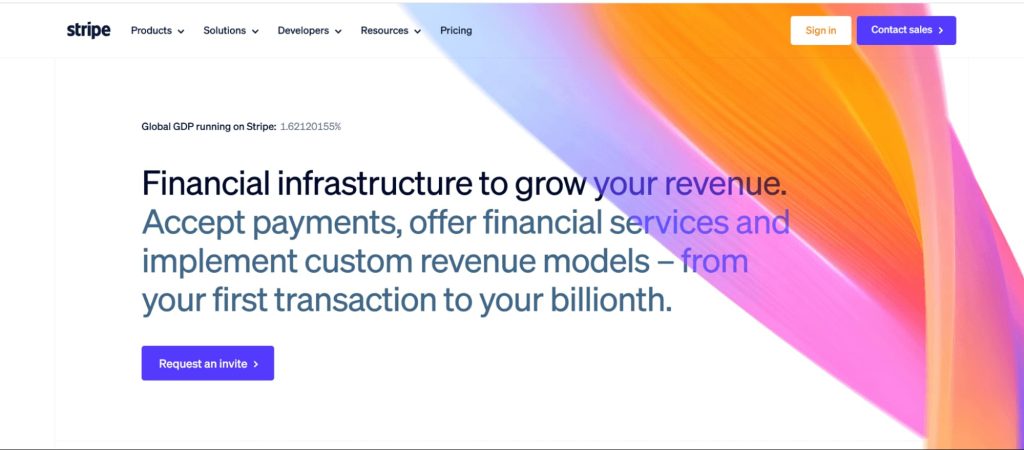
Stripe is our top pick after testing every major gateway. It took 4 minutes to set up, loaded checkout in 1.1 seconds (fastest we tested), and supports 23+ WooCommerce payment methods. Over 3.1 million websites rely on Stripe globally (Source: BuiltWith, 2025).
The free WooCommerce Stripe Payment Gateway plugin connects in clicks. Customers never leave your site.
Say you run a fashion store selling to the US, Germany, and China. Stripe handles credit cards for Americans, SOFORT for Germans, Alipay for Chinese shoppers, and Apple Pay for everyone — one plugin.
Features:
- 23+ methods (cards, Apple Pay, Google Pay, Klarna, SEPA)
- Stripe Radar AI fraud detection | Link express checkout
- 3D Secure for SCA compliance
- Native recurring payments
- Terminal for in-person sales
Pricing:
- 2.9% + $0.30 (US)
- +1% international
- +1% conversion
- No setup/monthly
Pros:
- Most payment methods
- Developer-friendly
- Transparent fees
- Strong fraud tools
- 46+ countries, 135+ currencies
Cons:
- Account holds happen without warning (top Reddit complaint)
- Email-only support | International fees add up
- Advanced features need developer help
Rating: ⭐⭐⭐⭐⭐ (5/5)
2. WooPayments — Best Native Integration
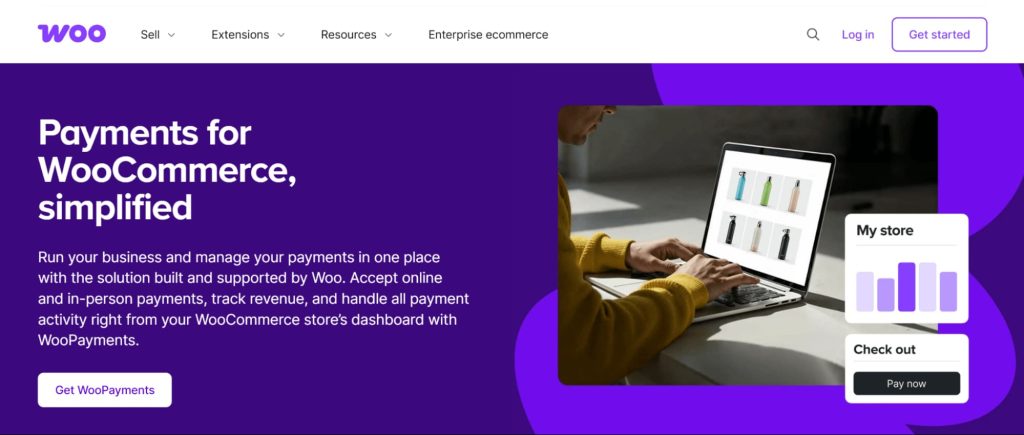
WooPayments is built by the WooCommerce team on Stripe’s infrastructure. With 900K+ active installs (Source: WordPress.org, 2025), it’s the most popular native payment solution. Everything stays inside your WordPress dashboard.
Setup took us 3 minutes — the fastest of any gateway. We set it up for a supplement store client last year. The biggest win? Zero dashboard-switching. Payments, refunds, disputes — all in WooCommerce.
Features:
- Full dashboard integration
- Cards, Apple Pay, Google Pay
- BNPL in select regions
- Multi-currency
- In-person payments (US, CA, UK)
Pricing:
- 2.9% + $0.30 (US)
- +1% international
- +1.5% conversion
- No monthly
Pros:
- Easiest setup
- One dashboard
- Stripe backbone
- Free
- Growing BNPL
Cons:
- Fewer countries than Stripe (39 vs. 46+)
- Less customization
- Fund holds reported
Rating: ⭐⭐⭐⭐½ (4.5/5) — Best for beginners building their first store.
3. PayPal — Best for Global Trust
PayPal has 430+ million active users across 200+ countries (Source: Statista, 2025). Lots of shoppers trust PayPal more than typing card numbers on an unfamiliar site.
After adding the PayPal Payments plugin alongside Stripe for a client’s electronics store, PayPal handled 35% of all orders — mostly returning customers with saved credentials.
Features:
- One Touch checkout
- Venmo (US — great for younger buyers)
- Pay Later (BNPL)
- Seller Protection
- 200+ countries
- Smart buttons
Pricing:
- 3.49% + $0.49
- No monthly
- PayPal Pro: $30/month
Pros:
- Most trusted name
- 200+ countries
- Buyer Protection
- Venmo
- Dispute resolution
Cons:
- Higher fees than Stripe
- Account freezes (well-documented)
- Redirect hurts conversions
- Slow support
Pro Tip: Steer customers toward lower-fee methods by offering a payment method cadiscount. With Discount Rules for WooCommerce, set up a 3% off rule for direct bank transfers. Saves you money on every order.
Rating: ⭐⭐⭐⭐ (4/5) — Best as your second gateway alongside Stripe.
4. Square — Best for Omnichannel

Square handles 2 billion+ transactions annually (Source: Square Investor Relations, 2025). Its WooCommerce extension syncs your online store and physical shop — inventory, payments, customer data – automatically.
Picture this: you run a bakery with a storefront and an online ordering site. Sell a cake in-store, and the stock count drops on your website. No spreadsheets.
Features:
- Inventory sync
- Hardware readers ($49+)
- Cards, Apple Pay, Google Pay
- POS integration
- Tax calculation
Pricing:
- 2.9% + $0.30 online
- 2.6% + $0.10 in-person
- No monthly
Pros:
- Best omnichannel
- Lower in-person fees
- Auto sync
- Free POS app
Cons:
- Only 8 countries
- Fewer methods than Stripe
- Not ideal for online-only
Rating: ⭐⭐⭐⭐ (4/5)
5. Authorize.Net — Best for Enterprise
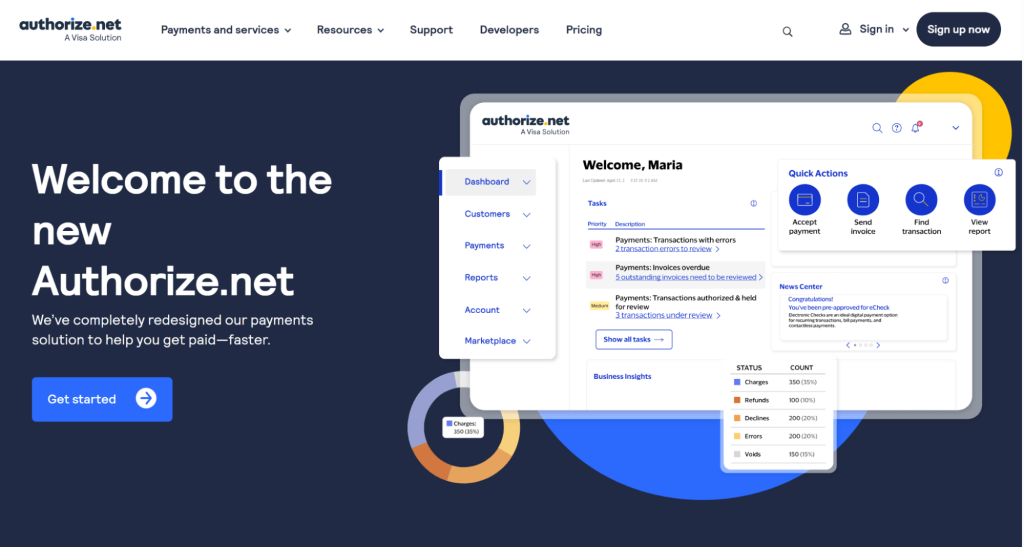
Authorize.Net, a Visa subsidiary, processes 1 billion+ transactions yearly for 400,000+ merchants (Source: Authorize.Net, 2025). When we set this up for a high-volume B2B client, the Advanced Fraud Detection Suite caught 12 fraudulent orders in week one that their previous Stripe setup had missed.
Features:
- Customizable fraud filters
- eCheck/ACH for B2B
- Recurring billing
- Payment vault
- Detailed reporting
Pricing:
- 2.9% + $0.30
- $25/month
- $0.10 batch fee
Pros:
- Battle-tested since 1996
- Advanced fraud tools
- eCheck/ACH
- Phone support
- Best for high-ticket stores
Cons:
- $25/month hurts small stores
- Only 5 countries
- Complex setup (25 min)
- Dated dashboard
Rating: ⭐⭐⭐⭐ (4/5)
Spending too much on processing fees? Create a payment-based discount rule and let your customers choose the cheaper option — they save, you save.
6. Amazon Pay — Best for Amazon Shoppers
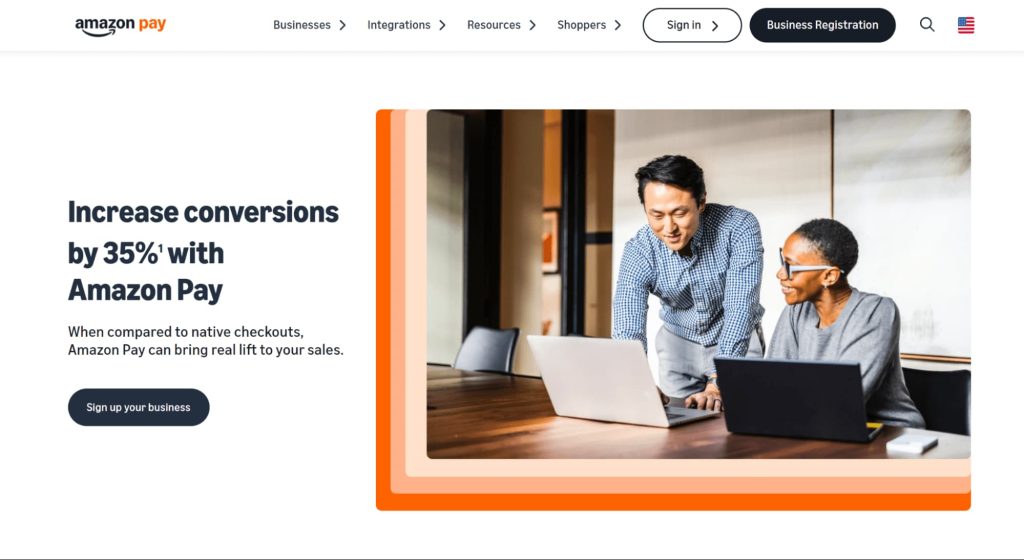
Amazon Pay lets shoppers use saved Amazon credentials. With 300+ million active Amazon accounts worldwide (Source: Amazon, 2025), the trust factor is massive. In our experience, stores with heavy Amazon overlap saw 15–20% faster checkout times.
Features:
- One-click via Amazon
- Alexa payments
- A-to-Z Guarantee
- Multi-currency
- Built-in fraud tools from Amazon’s infrastructure
Pricing:
- 2.9% + $0.30 domestic
- 3.9% cross-border
- No monthly
Cons:
- Only works with Amazon accounts
- 18 countries
- Limited payment variety
- Redirect checkout
Rating: ⭐⭐⭐½ (3.5/5) — Good secondary option for US/UK stores. Pair with product recommendations to boost AOV.
7. Braintree — Best for PayPal + Cards Combo
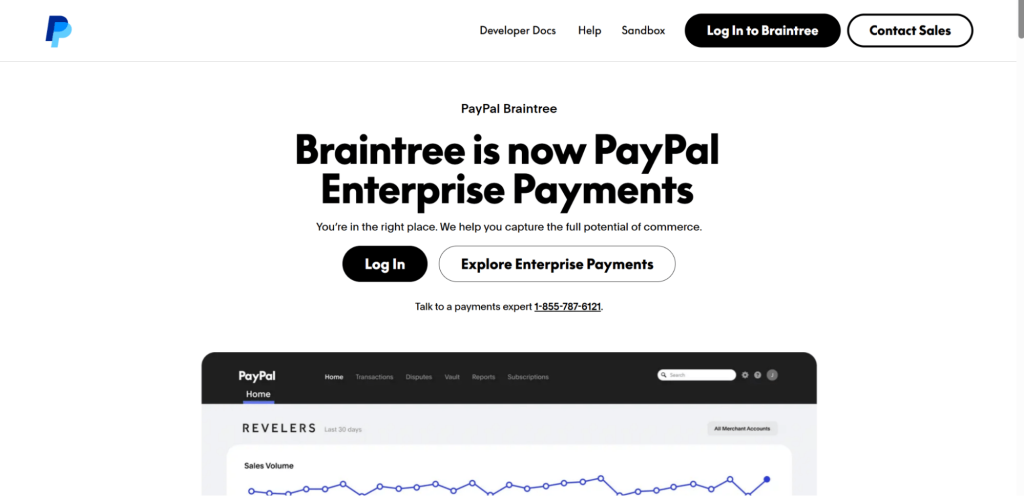
Braintree (PayPal-owned) unifies cards, PayPal, Venmo, Apple Pay, and Google Pay in one plugin. It processed $14 billion in mobile payments in 2023 (Source: PayPal Investor Report, 2024). Often cheaper than PayPal’s standard checkout for card payments.
Features:
- Unified cards + PayPal + Venmo + wallets
- Drop-in UI
- 130+ currencies, 45+ countries
- Vault
- Recurring billing
Pricing:
- 2.59% + $0.49
- No monthly
Rating: ⭐⭐⭐⭐ (4/5) — Best for stores wanting PayPal + cards in one place. Compare fees in our WooCommerce payment gateways overview.
8. Mollie — Best for European Stores

Mollie covers local European payment methods that Stripe and PayPal miss. iDEAL handles 70% of Dutch online payments (Source: Mollie, 2025). Bancontact covers Belgium. SOFORT and Giropay handle Germany.
Say you sell home décor to the Netherlands and Germany. Your Dutch customers pay with iDEAL (they trust it more than cards), and Germans use SOFORT — at EU-friendly rates of just 1.8% + €0.25.
Features:
- 25+ EU methods
- SEPA Direct Debit
- Klarna BNPL
- Multi-currency
- Clean WooCommerce integration
Pricing:
- Cards: 1.8% + €0.25 (EU)
- iDEAL: €0.29
- No monthly
Rating: ⭐⭐⭐⭐ (4/5) — If your shoppers are in the EU, also check our guide to location-based pricing.
9. Razorpay — Best for India

Razorpay powers 8 million+ Indian businesses (Source: Razorpay, 2025). UPI (India’s most-used payment method — over 10 billion monthly transactions), net banking, all major Indian cards, and wallets like Paytm and PhonePe.
Features:
- UPI, net banking, Indian cards, wallets
- EMI options
- Recurring billing
- WooCommerce integration
Pricing:
- 2% domestic (no fixed fee)
- 3% international
- No monthly
Pros:
- Best Indian coverage
- UPI is mandatory for Indian eCommerce
- Low fees
- Developer-friendly
Cons:
- India-focused
- 2–3 day payouts
- Pair with multi-currency pricing for international traffic
Rating: ⭐⭐⭐⭐ (4/5)
10. Paystack — Best for Africa
Paystack (acquired by Stripe in 2020) serves 200,000+ businesses across Africa (Source: Paystack, 2025). Local cards, bank transfers, mobile money, and USSD — payment channels that global gateways simply don’t support.
Features:
- Local African cards
- Bank transfer, mobile money, USSD
- Split payments
- Automated payouts
- Clean WooCommerce plugin
Pricing:
- Nigeria: 1.5% + ₦100 (capped at ₦2,000)
- Ghana: 1.95%
- SA: 2.9% + R1
Rating: ⭐⭐⭐⭐ (4/5) — Only real option for African eCommerce. Combine with targeted discount offers to grow your customer base.
11. Apple Pay via Stripe — Best for Mobile

Apple Pay works through Stripe and WooPayments — not standalone. With 600+ million Apple Pay users globally (Source: Apple, 2025), enabling it is free and takes minutes.
Why bother? Mobile cart abandonment hits 80%+ compared to 67% on desktop (Source: Dynamic Yield, 2025). Express checkout methods like Apple Pay can boost conversion by up to 21%.
Enable it in your Stripe dashboard. The WooCommerce Stripe plugin auto-shows Apple Pay to eligible shoppers. It’s the easiest way to reduce cart abandonment on mobile.
Rating: ⭐⭐⭐⭐⭐ (5/5 as checkout method)
What the Reddit Community Says
We read 50+ threads across r/woocommerce, r/ecommerce, and r/Wordpress from 2024–2026. According to a 2023 Reddit survey, over 50% of purchasing decisions involve Reddit discussions (Source: Reddit, 2023). Here’s the pattern:
Stripe + PayPal together is the runaway recommendation. Almost every experienced store owner runs Stripe primary, PayPal secondary.
What real users keep saying:
- “WooPayments is repackaged Stripe. If you’re comfortable with tech, go Stripe directly for more control.”
- PayPal fund holds are a constant warning. Community consensus: never use PayPal as your only gateway.
- Square gets praise from physical store owners. Online-only sellers say Stripe wins.
- For India and Africa, regional gateways (Razorpay, Paystack) get strong endorsements over forcing Stripe/PayPal.
- BNPL is growing fast. Multiple threads call Klarna a conversion booster.
Active thread worth checking: The WooCommerce feature request for integrating PayPal inside Stripe’s plugin has hundreds of upvotes — shows how badly store owners want these two combined.
Which Payment Gateway Should You Pick? (Region Matrix)
Your best gateway depends on where your customers are. Here’s what we recommend after configuring gateways across 20+ countries:
| Market | Primary | Secondary | Notes |
| US | Stripe | PayPal + Apple Pay | Enable Venmo via PayPal for Gen Z |
| Canada | Stripe | PayPal | Square if physical stores |
| UK | Stripe | PayPal | Mollie for EU add-ons |
| EU | Mollie or Stripe | PayPal | Mollie wins on local methods |
| India | Razorpay | PayPal | UPI is a must |
| Africa | Paystack | PayPal | Only option for local methods |
| Australia | Stripe | PayPal + Square | Square for omnichannel |
| Global | Stripe | PayPal + regional | Add Mollie/Razorpay/Paystack per market |
5 Pro Tips to Maximize Payment Conversions
1. Cap at 2–3 Payment Options — One card gateway + one wallet + optional BNPL. More choices actually hurt conversions. (Source: Baymard, 2025)
2. Turn On Express Checkout — Apple Pay, Google Pay, and Stripe Link cut mobile checkout time from 30+ seconds to under 5. Mobile abandonment sits at 80% — express checkout slashes it. (Source: Dynamic Yield, 2025)
3. Show Costs Before Checkout — 48% of shoppers abandon carts when surprised by extra fees. Show shipping and taxes on the cart page, not the checkout. (Source: Baymard, 2025)
4. Reward Lower-Fee Payment Methods — Use Discount Rules for WooCommerce to set up payment method discounts — like 3% off for bank transfers. Saves you processing fees on every order.
5. Build Loyalty After the Sale — A payment is the start of a relationship, not the end. Set up a points and rewards program with WPLoyalty so customers earn points on every purchase. Then use Email Customizer Plus to send polished order confirmation emails that reinforce your brand. Trust signals can increase repeat purchase rates by up to 17%. (Source: Baymard, 2025)
Picked your gateway? Now set up your first discount rule. Most store owners finish in under 10 minutes.
Conclusion
You now have a tested, community-vetted comparison of 11 payment gateway plugins for WooCommerce.
Our top picks: Stripe for most stores. WooPayments for beginners. PayPal as a secondary. Mollie for Europe. Razorpay for India. Paystack for Africa.
Enable express checkout, show fees upfront, and keep payment options to 2–3 max. Those moves help recover a chunk of the $18 billion lost yearly to cart abandonment.
Next step: Set up a payment method discount rule for free using Discount Rules for WooCommerce — it takes 2 minutes and saves you processing fees from day one. For checkout optimization, see our WooCommerce dynamic pricing guide.
Still have questions? Check our FAQ below.
Also Read:
- How to Add Discounts Based on Payment Method in WooCommerce
- Display Promo Sale Message in WooCommerce Checkout
- Best WooCommerce Discount Plugins (Free & Paid)
- Best WooCommerce Dynamic Pricing Plugins
Frequently Asked Qusetion:
Stripe and WooPayments — both free to install with no monthly fees. You only pay 2.9% + $0.30 per transaction. Stripe offers broader payment method support and more countries, making it our top free pick for most WooCommerce stores.
Yes, and you should. WooCommerce lets you run several gateways at once. We recommend one card processor (Stripe) plus one wallet (PayPal). Two to three options cover most customer preferences without making checkout feel cluttered or overwhelming.
Not exactly. WooPayments runs on Stripe’s processing infrastructure, but it’s managed entirely inside your WooCommerce dashboard. It offers fewer payment methods and less customization than Stripe directly. Think of WooPayments as a simpler, more integrated version of Stripe.
Three strategies work best. First, negotiate volume discounts with your provider — Stripe and PayPal both offer custom rates. Second, use payment-based discount rules to encourage cheaper methods like bank transfers. Third, minimize chargebacks with fraud detection.
Razorpay charges just 2% for domestic Indian transactions. Paystack charges 1.5% + ₦100 in Nigeria. For EU stores, Mollie charges 1.8% + €0.25. In the US, most major gateways charge the same ~2.9% + $0.30, so the difference comes down to hidden fees like cross-border and conversion charges.
Absolutely. SSL encrypts data between your shopper’s browser and your server. Every payment gateway requires it. It’s also mandatory for PCI-DSS compliance. The good news: most hosting providers include a free SSL certificate with your plan, so you likely already have one.